Caring for a Three Legged Dog or Cat
Tripawds is your home to learn how to care for a three legged dog or cat, with answers about dog leg amputation, and cat amputation recovery from many years of member experiences.
Join The Tripawds Community
Learn how to help three legged dogs and cats in the forums below. Browse and search as a guest or register for free and get full member benefits:
Instant post approval.
Private messages to members.
Subscribe to favorite topics.
Live Chat and much more!


 Register
 Log In
 Members

 Read the original blog post
 Add Topic
 Offline


Use an Online Photo Sharing Site
 All free Tripawds Blogs
include 25MB of server space for uploading your three legged dog photos. Tripawds Suppporter Blogs get a full gigabyte of space among other benefits. But if you aren't quite ready to upgrade to Supporter status yet, here is one way to make the most of your upload space quota:
All free Tripawds Blogs
include 25MB of server space for uploading your three legged dog photos. Tripawds Suppporter Blogs get a full gigabyte of space among other benefits. But if you aren't quite ready to upgrade to Supporter status yet, here is one way to make the most of your upload space quota:
First, if you don't already have somewhere else to upload your photos, join an online photo sharing site like Flickr or SnapFish. You'll still be able to place the images here on your blog, but the actual digital file is kept on those sites instead of within your Tripawds Blog account – saving you tons of space here. If you do this, you may never have to upgrade to Supporter Status to get more server space. Though you might consider it for the other benefits.
To place your hosted images in your blog post, do the following:
- Write a draft of your Tripawds Blog post.
- Go to your photo sharing site (where you have presumably already uploaded photos) and find the image you want to place in your blog.
- Place your cursor in the middle of the photo, right click and choose “Copy Image Location” to grab the image URL.
- Return to your Tripawds Blog post, and put your cursor where you want your image to appear then click the "Add an Image" button next to "Add media:" (Choose the first icon, a grey box with a white border.)
- When the pop-up “Add media files” box opens, choose the “From URL” option.
- Place your cursor in the “Image URL” field, and paste the image location you copied.*
- Give your image a descriptive Title.
- Add an optional caption if you want it to appear under the photo in your blog post
- You may also optionally set how you want your photo aligned: to the left or right of your text, centered between paragraphs, or none at all.
- Click the "Insert into Post" button, and re-size the image as desired by dragging it by the corner handles.
*NOTE: A small green check mark will appear next to your Image URL if it is validated as a bona fide image file location. If a red "x" appears, check to ensure the Image URL is valid, and that it is not hosted by an account that requires logging in to view it.

A note about the “Link Image To” field ... Click the "Link to image" button only if you want the original larger version of your photo to load in the browser window when clicked. If you do want the original image to load when clicked, just place your cursor in the “Link Image To” field and click the “Link to Image” button. Alternatively, you can link the image to any web page by using any valid URL in this field.
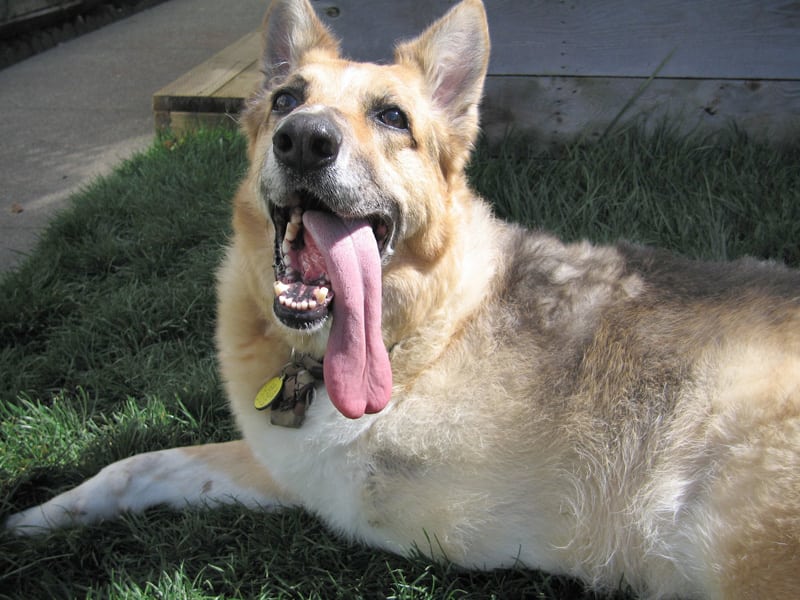 If you don't like the way your photo is aligned, or want to edit its title or other advanced features, simply click within the photo, place your cursor over the top left corner, and click on the “Edit Image” icon that magically appears. A new window will appear that gives you the chance to resize and re-align the image or edit other attributes.
If all of this seems like a hassle, be sure to always minimize the size of your photo files before uploading them to your account – 25MB can fill up quickly if you're not careful!
Or, you could just consider upgrading to be a Tripawds Supporter and not worry about any of this! Please stay tuned for more tips on How to Get the Most Out of Your Free Tripawds Blogs !
Tripawds Founders Jim and Rene
tripawds.com | tripawds.org | bemoredog.net | triday.pet


1 Guest(s)
